




Carlospin App
The Carlospin app is built for players who want fast access and a smooth experience on the go. The main gaming and account tools stay close together, so the session feels easy to manage from the first tap.
Inside Carlospin Casino, we keep the mobile experience clear and easy to follow. The player can move from the lobby to live games and then open the cashier or support through an easy menu. That makes mobile access useful for many players in the Netherlands.
The mobile version uses a browser-based PWA format. Players open it from the official site and save it to the home screen, so they do not need a separate app download.



What the mobile version gives players
The mobile layout works best when the important sections are always easy to reach. We keep the interface clean and the navigation simple. Key account areas stay visible during play. This helps the player stay in the session and reach each section faster.
The Carlo Spin app supports the actions players use most often:
- open the lobby and reach a game category quickly;
- check promotions and bonus progress in one place;
- use the cashier for deposits, withdrawals, and balance checks;
- reach support when a login or payment question appears.
This flow works well in everyday use. A player can open a few slot rounds, switch to roulette or blackjack, and then return to the account area in one steady session. This matters in mobile play because each section should connect in a simple and familiar way.
| Player task | How mobile access helps | Why it matters in practice |
| Start a short session | The lobby opens in a compact and touch-friendly layout | The player reaches games faster during a busy day |
| Check current offers | Promotions stay close to the main account area | Bonus details remain visible before play starts |
| Join live casino | Tables and game categories stay easy to browse | The player can move into live play with less effort |
| Use the cashier | Payment actions remain inside one clear account flow | Deposits and withdrawal requests feel easier to manage |
| Return later | The same profile supports access across different devices | The session feels familiar when the player comes back |
Carlospin application for Android
On Android, the Carlospin application works as a browser-based PWA, not as a separate APK file. Players do not need Google Play or a manual download from a third-party source. The setup starts from the official website and creates a shortcut on the home screen for faster access.
To install it on Android:
- Open the official Carlospin website in Chrome or another current browser;
- Tap the browser menu in the top corner;
- Choose “Add to Home screen” or “Install app”;
- Confirm the shortcut name;
- Save it and open the new icon from your home screen;
- Sign in with your usual account details.
This setup is useful because it keeps the process short and clear. The player does not need to search for an APK or install updates by hand. The shortcut opens the current version of the platform, so the next session usually starts with the latest layout and features.
If the install option does not appear at once, refresh the page and open the menu again. It also helps to use the main browser on the device instead of an in-app browser from a messenger or social platform.
Carlospin application for iOS
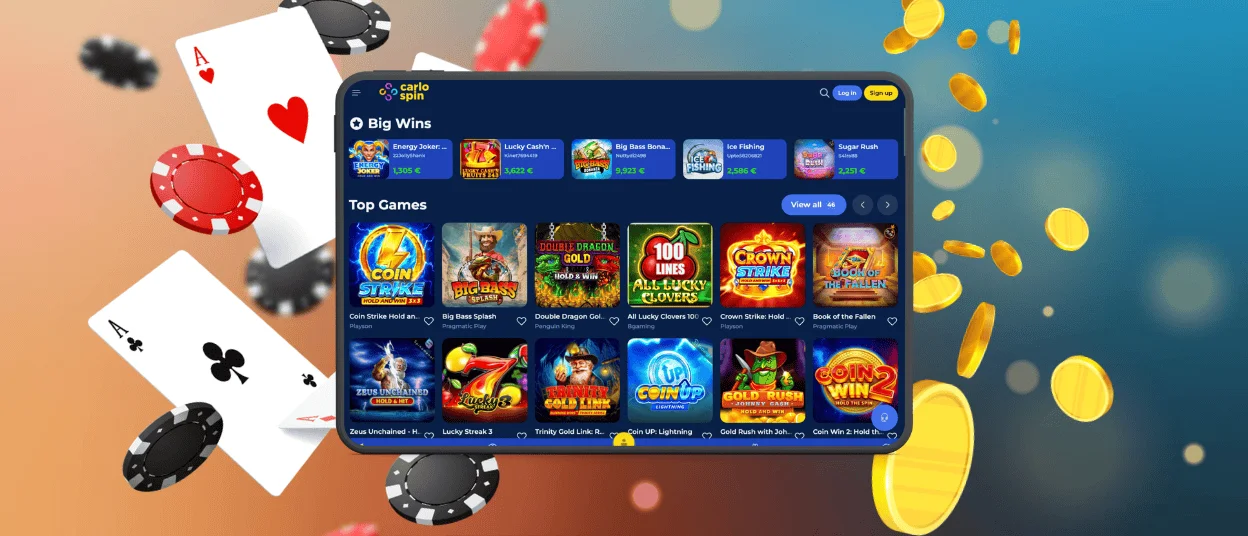
The Carlospin application also works well on iPhone and iPad. A smaller screen needs a simple structure, so we keep each section clean and easy to follow. Menus stay readable, and buttons stay easy to tap. The player can move through the casino and understand each page at a glance. This gives the mobile session a steady and comfortable feel from the start.
On iPhone, the session feels compact and direct. It suits quick evening use, short balance checks, and a few rounds before the player returns later. On iPad, the wider screen gives more space for game rows, category browsing, and live casino viewing. Carlo Spin Casino feels very comfortable there because the extra room makes the full interface easier to scan.
Windows and macOS access
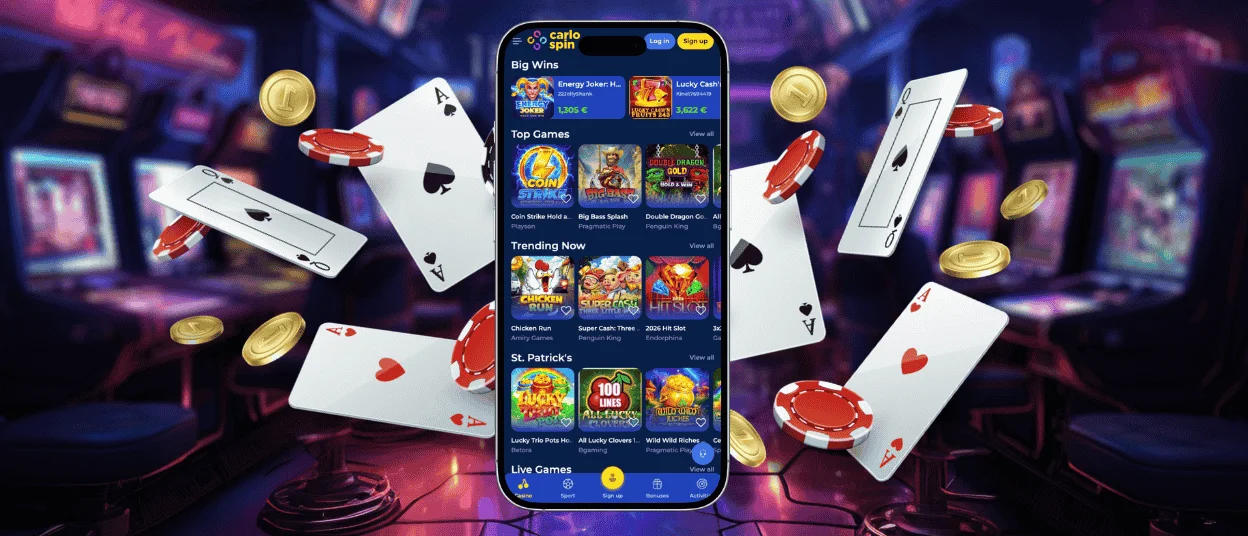
Desktop use remains important for players who want more space on the screen and longer sessions on the platform. The larger layout makes it easier to browse categories, read promotion details, and stay longer in live casino sections. It also gives a clearer view of the cashier and profile settings. The Carlo Spin application works well here because the wider format gives more room for account tasks. A player may start on mobile during the day and continue later on a laptop in the evening. The same general structure stays familiar, so moving between devices feels easier.

Security and smooth use
Security matters in mobile play because players use a single device for personal information, payments, and account access. Carlospin Casino should feel reliable during these actions, so we keep the route through the account areas simple and direct. A clear layout makes it easier to review the details before a payment or account change.
Carlo Spin also works more smoothly when the player follows a few good habits. A current browser helps pages load more smoothly. A stable internet connection helps during live casino sessions. Careful review of payment details reduces avoidable account problems. These small steps improve the quality of everyday play and make the platform easier to trust.
FAQ
Does the mobile version use a lot of storage on my phone?
Storage use usually stays low during normal play. Mobile access depends mostly on your browser and standard cached data, so the overall impact remains light for most users.
Can I remove the app shortcut without affecting my account?
The shortcut can be removed at any time, while the account stays active and unchanged. Your balance, history, and profile settings remain available when you sign in again.
Why does a payment confirmation sometimes open on a separate page?
Some payment methods add an extra security check. Your bank or payment service may open a separate page to confirm the action before it finishes.
Can I upload verification documents from a phone or tablet?
In most cases, yes. A phone or tablet is enough if the camera gives a clear image. Try to take the photo in good light and keep all corners of the document visible. The text should be easy to read. If the image looks blurry or cropped, the check may take longer.
Do live casino games use more mobile data than slots?
Live casino games usually use more mobile data than slots. The reason is simple. Live tables stream video during the session, while slots load much less moving content. If a player plans to stay longer in live roulette or blackjack, Wi-Fi is often the better choice. It usually gives a steadier picture and a more comfortable session.


